
Is your phone's home screen sabotaging you?
The digital hack that has COMPLETELY overhauled my mornings

I got to tell you, for the first time in 43 years, I feel like 2024 is the year I’m actually going to nail my goals. Why? Because I gave my iPhone a serious, game-changing make-over.
Hear me out.
As much as I loathe to admit it, I spend more time staring into that black rectangular cuboid of doom than I do my husband’s baby blue peepers, and that device of mine? It was a raging bin fire. Each time I tapped it to life — apps everywhere. Those ugly, demanding square dictators, screaming at me to “BE MORE PRODUCTIVE, LISE!”. Emails, messaging platforms, social media, school stuff, editing tools, grocery orders, rewards cards, banking apps. A relentless assault on my retinas COUNTLESS times a day, seducing me to keep motorboating its punishing iBosom.
So, what did I do about it?
The solution came to be like a Joan of Arc-esque apparition. I heard voices (mostly my sons playing Xbox) and saw visions of a beautiful screensaver and an intentional home screen, one that would spotlight the things I wanted to prioritise in my life.
Let’s begin with the screensaver. Mine used to be plain black - no photos, no graphics - because someone once told me that keeping my phone looking boring and unstimulating would result in less screen time. THAT DIDN’T WORK. I just felt boring and unstimulated. This year, I’ve chosen an inspo pic of the front entrance gates of my dream. It’s a goal my husband and I have been working towards for yonks, and while a home reno may not be your thing, achieving these gates stupidly mean a lot to me. I’m basic like that.
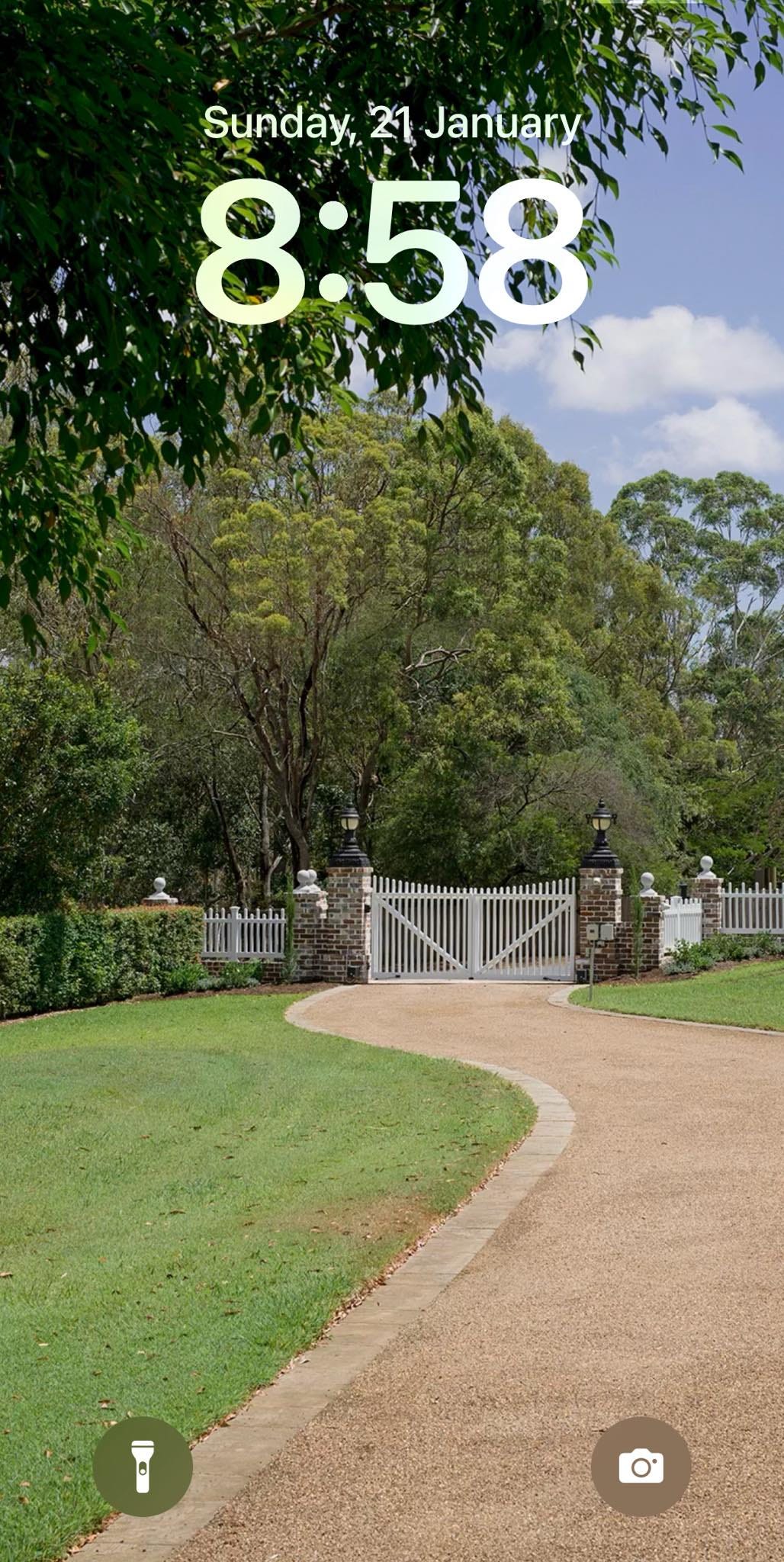
Now comes the good part. The home screen. This is essentially the first thing I see every day so the apps I have chosen to keep are ones that move me closer to my goals. Here’s what up there:
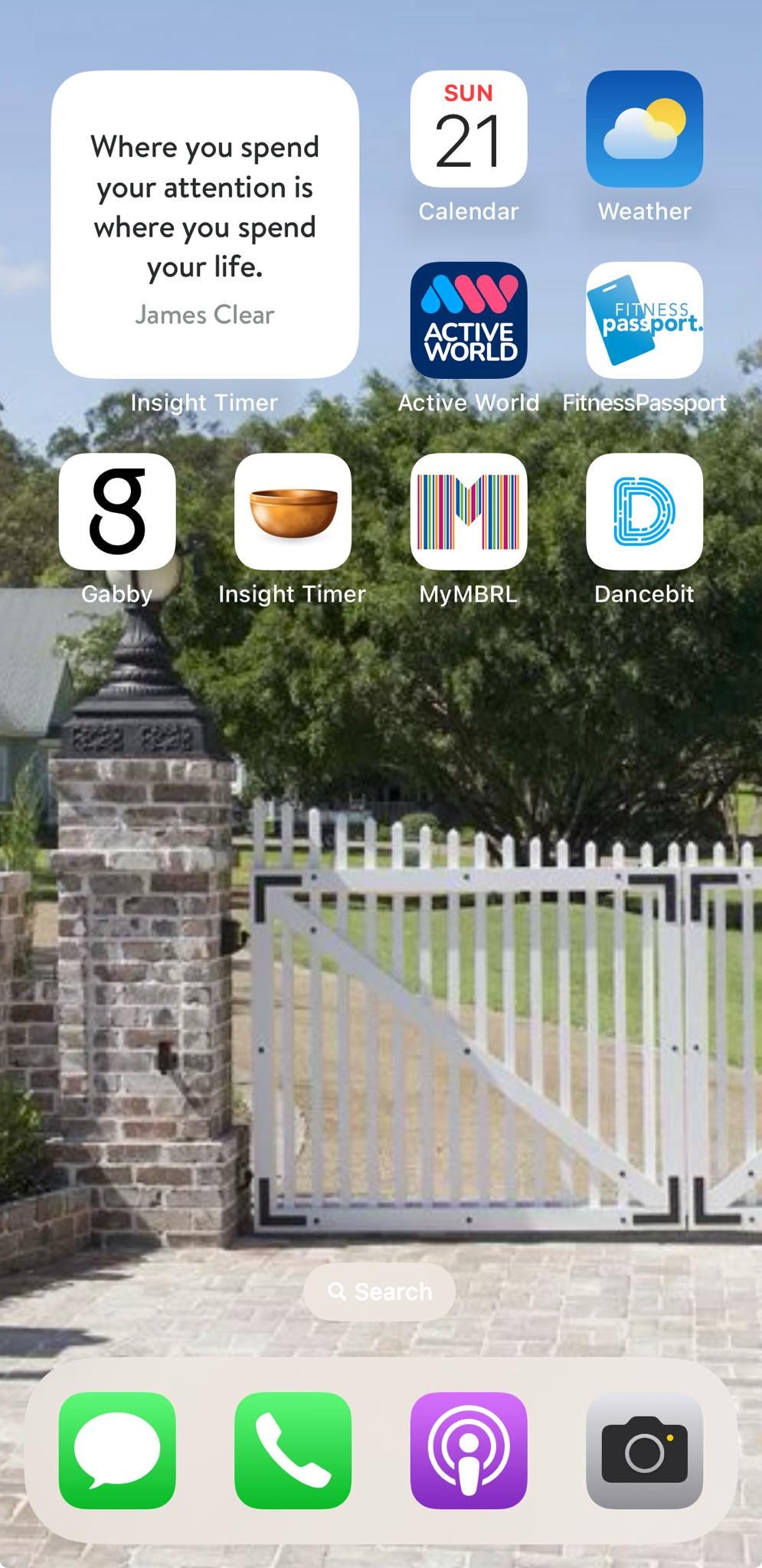
Calendar - because I’m not an Aztec priestess living my life via sun dial and still require an app to tell me what day of the week it is
Weather - see above
2 x gym apps - movement makes me feel good so I want these apps front and centre as a daily reminder of the fitness promises I’ve made to myself this year
Gabby Bernstein coaching app - I’m doing this manifesting/abundance/wellbeing challenge at the moment (recommended by a trusted friend), and I’m loving the pants off it. Might sound woo-woo to you-you, but I’m really enjoying it and it’s proven to be a fantastic way to start my morning while I’m still in bed or brushing my teeth.
Insight Timer meditation app - I love this thing. It’s absolutely free and has a massive library of guided meditations and soundscapes. I typically select a 0-5min meditation because I have enviable spiritual stamina like that. What’s working for me is a night-time sleep meditation - typically something around relaxation or gratitude. I’ve turned my bedside table into some sort of suburban alter, complete with candle from TK Maxx and Bic lighter. I light that sucker up while my night-owl husband watches the Australian Open and ponders whether his wife has turned to devil worshipping, and off I go. I’m on a 23-day streak and feeling positively enlightened.
Public Library app - one of my 2024 resolutions is to read ten pages of a novel each night. My good friends Bec and Jane from Books with Bec & Jane taught me all about incidental reading - stealing a few pages here and there throughout the day by always having a book with you (think: waiting for an appointment or a takeaway coffee, killing time in the school pick-up line, waiting in Bay 1 for your Woolies click & collect). IT WORKS. I’ve already read four books this year! Here’s what’s been helpful if this is something you’d like to try: I always have three great books on my nightstand; My book comes with me in my handbag/car each day; I use my library app to keep track of any recommendations from friends, articles or social media. I’ll reserve about five from the library at any given time seeing there may be a waitlist for certain reads. If I’m at the airport or at the shops, I’ll buy when I can, because I always have a juicy list to default to!
DanceFit app - another thing I’ve always wanted to do is dance. Of course, with DISCO CLUB, I get to do that for a living now, all around the country, but am I any good at it? Not really! I saw an ad pop up on my IG feed for a 28-day daily dance challenge. You can choose from lots of different styles - latin, hip-hop, etc. - and select the duration of your dancing. Last night, my 10-yr old busted me attempting a ‘high heels’ routine (which is basically code for seductive stripper choreo) and told me I looked like a squid.
Quote widget - ooh, I love this so much! If you press and hold your home screen, you’ll see a + button in the top left corner of your iPhone (I’m sure there’s something very similar for Android). Click on that and you’ll be taken to widget land where you can choose from a variety of different apps to be spotlit on your main screen. Have a play!
As for the rest of my ‘real life’ apps? Of course, the cluster-fuck lives on, but only once I’ve given myself time to lean into one (maybe two) of my home page priorities.
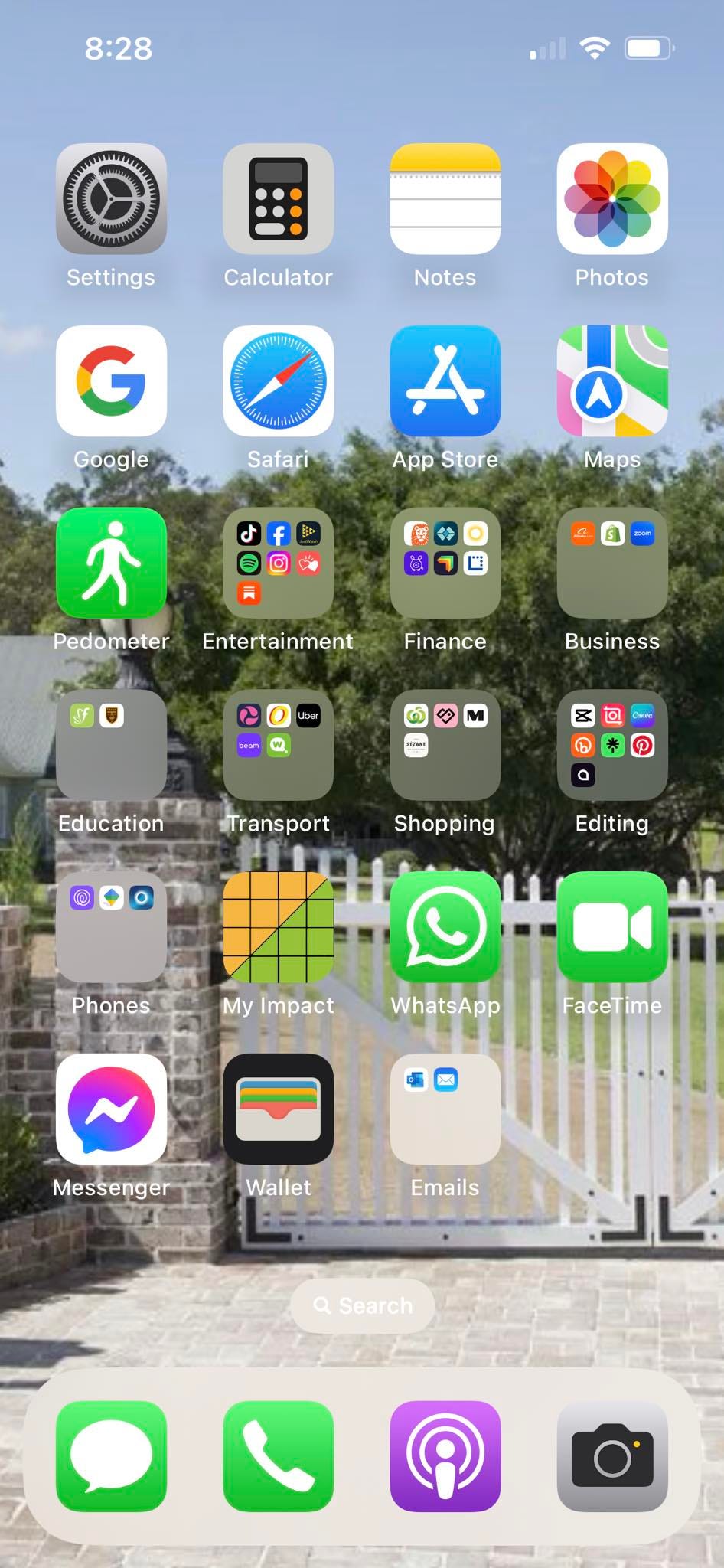
I can honestly say I NEVER thought I’d be able to overhaul my A.M social media habit. EVER. But by spending 15mins revamping my phone screens, I have unequivocally reclaimed my mornings and it has changed the game for me, truly. I’m finding I don’t even check emails or socials for the first 40mins of my day. It’s a massive gearshift and I’m as shocked as you are that it’s actually working.
I hope you’ve found this helpful. I’d love to know what home screen changes you’ve made and what apps help you feel happy, healthy and aligned with your best self. Sarah and I will be chatting about all of this in Monday’s podcast ep so I’d love for you to join us for half-an-hour of power/giggles on The Lise & Sarah Show!
x Lise
Love this idea. After reading this I’ve taken everything off my opening page except the widgets. I’ve put my regularly used apps in my rolling widget. Love my hourly rotating photos. It’s so easy to change if I find it doesn’t work 🤷♀️
I’m constantly playing around with my homescreen! Is it possible to share what your quote widget is?